See your flight history on an interactive map
FlightMessenger turns your logged flights into a personal route map. Follow great-circle paths between airports and explore the places and airlines in your travel history.
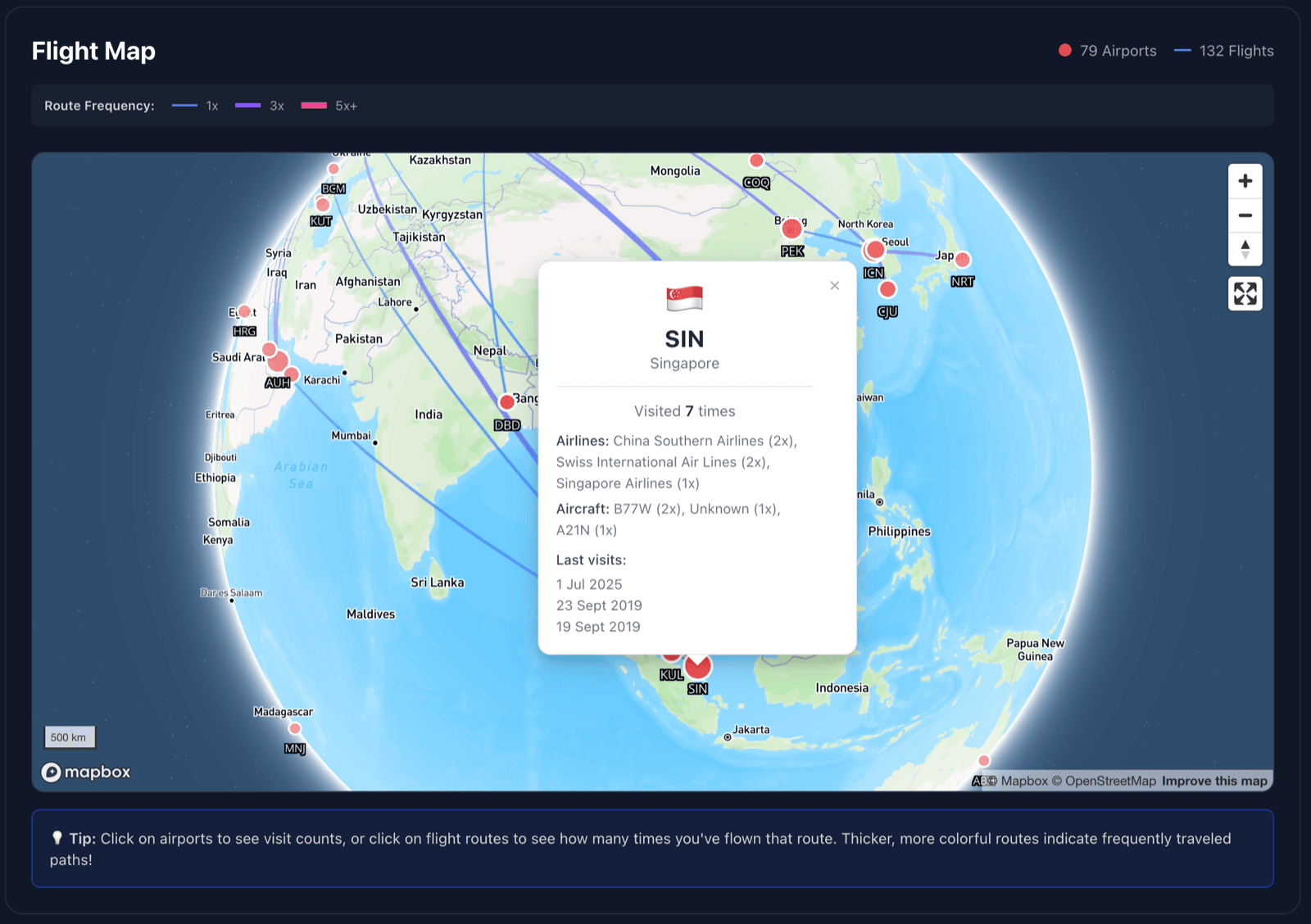
See routes and airports together
The Flight Map places your flown routes on an interactive globe and marks the airports you have visited. Routes flown more often stand out with thicker lines, while airport markers reflect visit counts.
Tap a route or airport for details
Select a route to see how often you flew it, recent flight dates, and the airlines or aircraft associated with it. Select an airport to review visit counts and recent trips.
Your map grows with your flight history
Open the Flight Map from your dashboard whenever you want to revisit your routes. It is a visual companion to the totals and breakdowns in Statistics.
Read the step-by-step guide
Create a free account