Explore your routes on the Flight Map
Updated
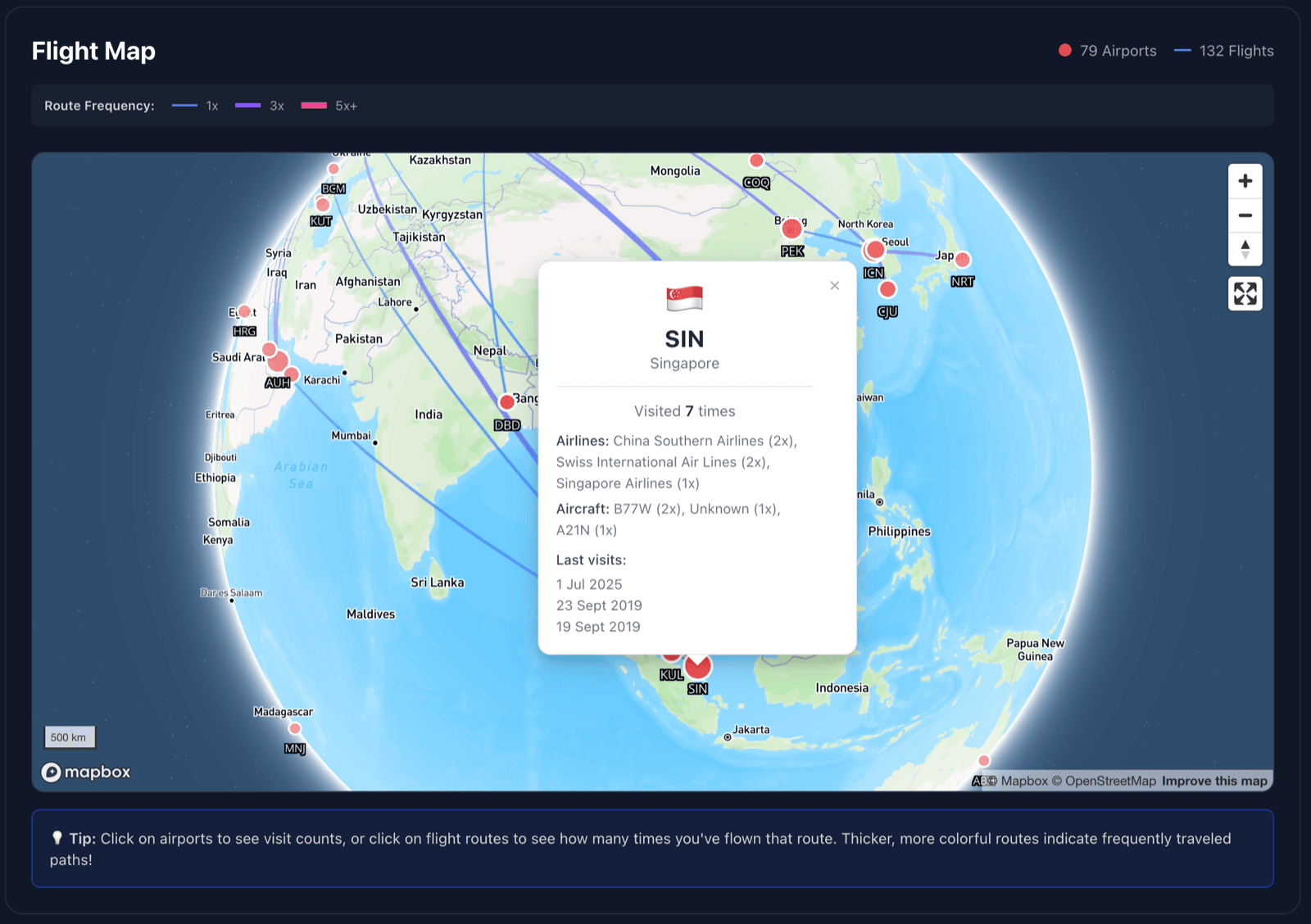
The Flight Map gives your flight history a geographic view. Use the globe to spot familiar routes, frequent airports, and details from recent trips.
Open the Flight Map
From the dashboard, choose Flight Map. The map fits your logged routes into view when it loads.
Read the route and airport markers
Curved lines show routes between airports. Thicker lines indicate routes flown more often, and larger airport markers indicate more visits.
Select a route
Tap or click a route line to see how often you flew it, recent flight dates, and available airline and aircraft details.
Select an airport
Tap or click an airport marker to see its visit count, city, recent visit dates, and available airline and aircraft details.
Starting from an empty map?
The map needs flights with route and airport information in your account before it can draw routes and markers.